Email on your own domain helps keep a business identity consistent as staff, devices and software change. Before buying mailboxes, decide which addresses are needed, who will use them and how access will be maintained. A clear mailbox plan is easier to support than a collection of addresses created one request at a time.
Choose purposeful mailbox names
List the people and business functions that need addresses. Distinguish a real mailbox from a forwarding arrangement or shared enquiry destination, and confirm which options your service supports. Decide who owns important functions such as billing or customer enquiries so that messages do not disappear when an individual leaves the business.
Prepare the domain
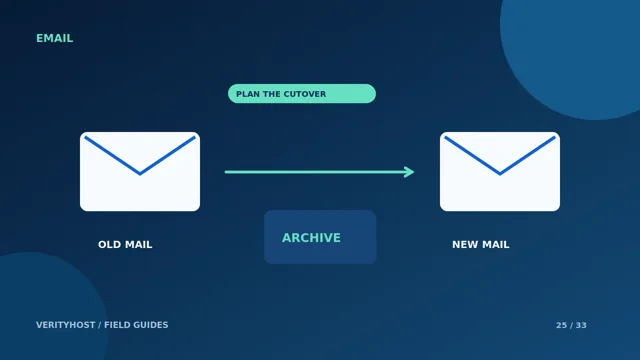
You need control of the domain’s DNS to connect the email service. A domain entered in a hosting checkout is not automatically registered. If mail already runs elsewhere, preserve the existing configuration until the migration is planned. Keep a copy of the current MX and authentication records before changing anything.
Choose how staff will read mail
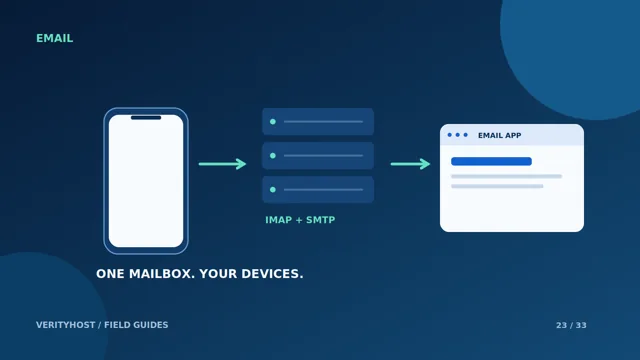
VerityHost Premium Email is accessed through compatible email applications such as Outlook, Thunderbird, Apple Mail and mobile clients. Browser webmail is not included. After mailbox setup and product activation, the dashboard provides the connection settings. The full mailbox address is the username; mailbox credentials are separate from the hosting dashboard login.
Plan for handover and recovery
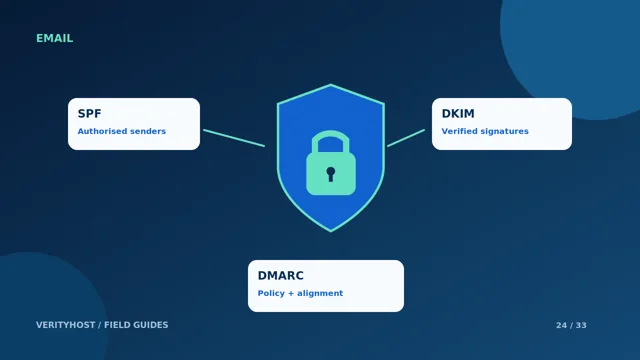
Record who can approve mailbox changes and how a lost-device or staff-departure request will be handled. Protect mailbox passwords and do not include them in support-ticket messages. Check sending and receiving after setup, including a reply from another provider. Authentication and correct DNS help delivery, but no provider can guarantee every message reaches every inbox.
PUT IT INTO PRACTICE
Your checklist.
- List the mailboxes and who owns each one.
- Confirm domain control and save current DNS records.
- Choose supported desktop or mobile email apps.
- Test both incoming mail and authenticated sending.
YOUR NEXT STEP
Turn the plan into a working website.
Choose a suitable service or ask us to confirm the work and price.
Explore Premium Email ↗