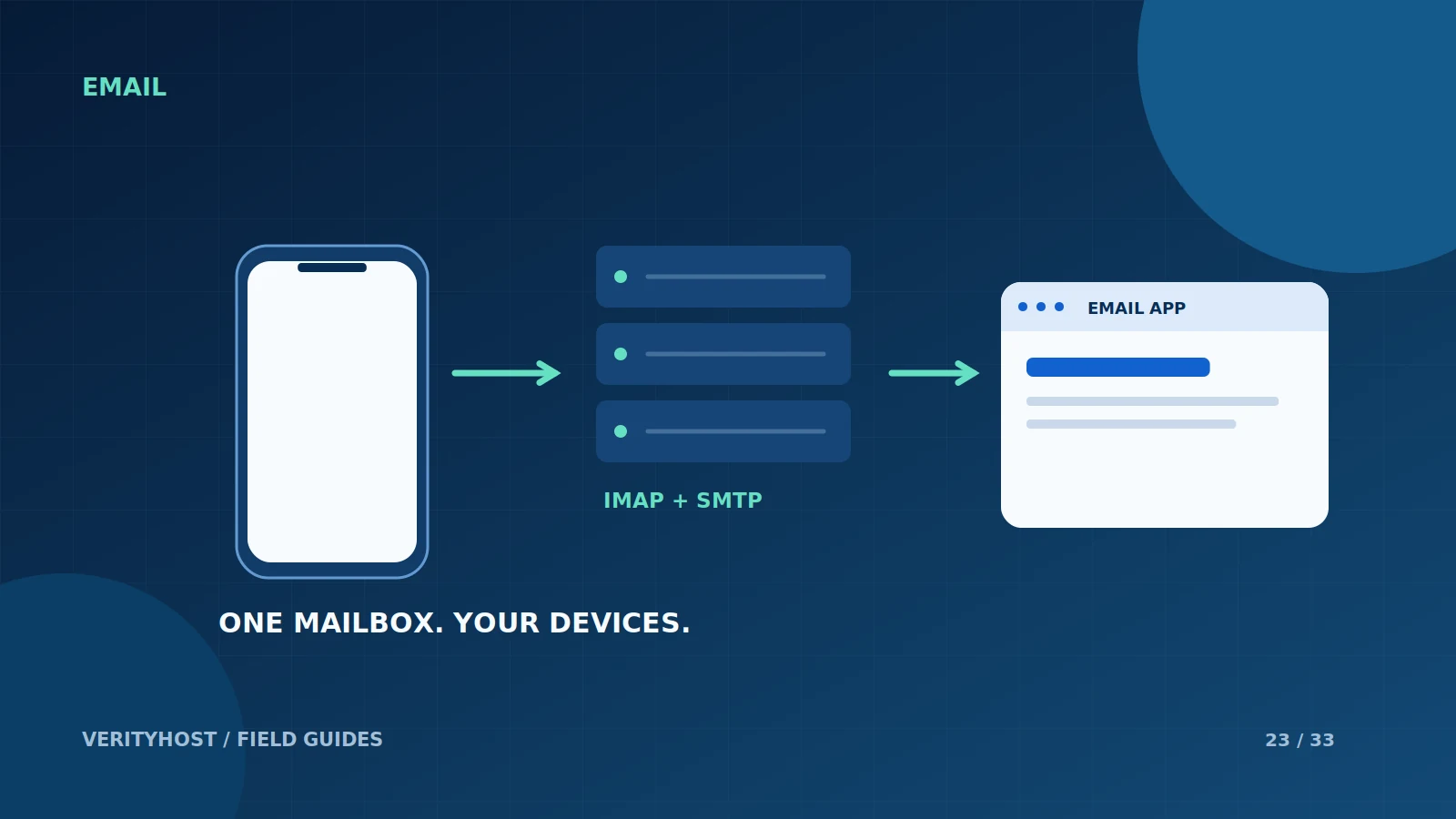
Using one mailbox on a laptop and a phone is straightforward when the account settings are consistent. Begin with the service’s supplied connection details rather than guessing from the email address. Keep the mailbox password private and confirm both receiving and sending before handing the account over to a colleague.
Choose a synchronised workflow
IMAP is designed to work with mail kept on the server and accessed from email clients. It is usually a useful starting point when several devices need the same mailbox view. Check the client’s synchronisation settings and understand which folders it stores locally. A device copy should not be treated as a complete, independent backup.
Use the supplied secure settings
For an activated VerityHost mailbox, the server hostname is mail.verityhost.online. Incoming IMAP uses port 993 with SSL/TLS. Outgoing SMTP uses port 587 with STARTTLS and authentication. The username is the complete mailbox address. Use the mailbox password supplied during setup, rather than the email-code login used for your client dashboard.
Test sending separately from receiving
An account can receive messages while an incorrect SMTP setting prevents replies. Send a small test to an address you control, then reply from that address. Confirm that the message appears in the intended sent folder and that the name shown to recipients is appropriate. If the app displays a certificate warning, ask support to investigate rather than accepting it blindly.
Describe an issue without exposing access
When requesting help, include the app name, device, approximate time and error message. State whether the issue affects receiving, sending or both. Do not attach a screenshot containing the mailbox password. VerityHost provides mail-app access rather than browser webmail, so troubleshooting should focus on the supported client and connection settings.
PUT IT INTO PRACTICE
Your checklist.
- Use the full mailbox address as the username.
- Use IMAP 993/TLS and SMTP 587/STARTTLS.
- Verify sending and receiving independently.
- Keep credentials outside screenshots and tickets.
YOUR NEXT STEP
Turn the plan into a working website.
Choose a suitable service or ask us to confirm the work and price.
Open the email setup guide ↗