Email migration needs a separate plan from a website move. Changing where new messages arrive does not necessarily copy the old messages or update everyone’s phone. Identify the mailboxes, the information that must be retained and the people who depend on the service before scheduling the switch.
Inventory mailboxes and devices
List each address, its owner, the current service and the devices using it. Note any local-only archives, contact lists or calendar features that need separate treatment. Confirm what the new service supports rather than assuming that every feature of a previous suite is included with a mailbox subscription.
Agree what will be copied
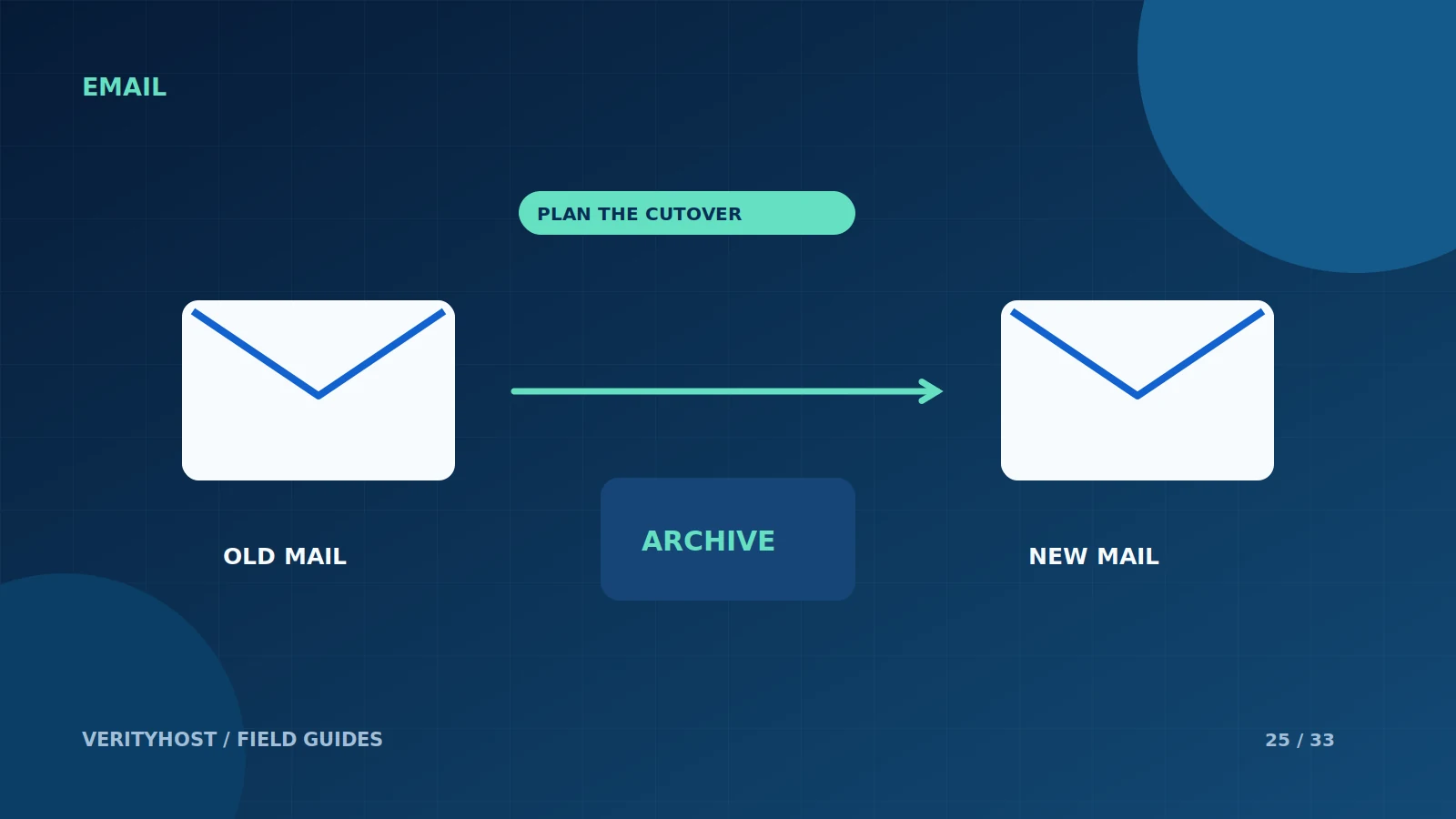
Define whether the work includes historical messages, folders, aliases or only new incoming mail. Check the size of the existing data and any capacity constraints. Keep a recoverable copy according to the business’s needs. A provider changing the MX record has not, by that action alone, moved the old inbox.
Plan the routing change
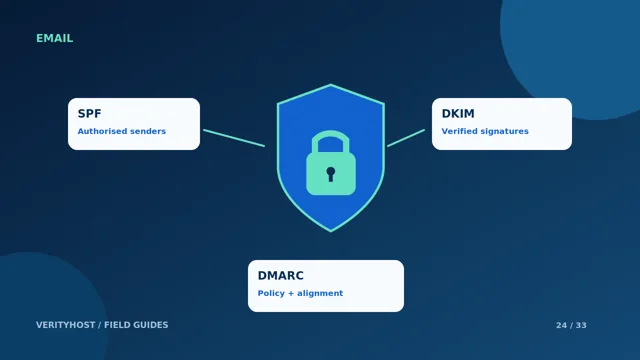
Prepare the new mailboxes and their secure connection settings before changing DNS. Save the existing MX and authentication records, then agree a cutover time when someone can test both services. Expect caches and devices to behave differently during the transition. Avoid cancelling the old service until the agreed checks and any data transfer are complete.
Hand over a working setup
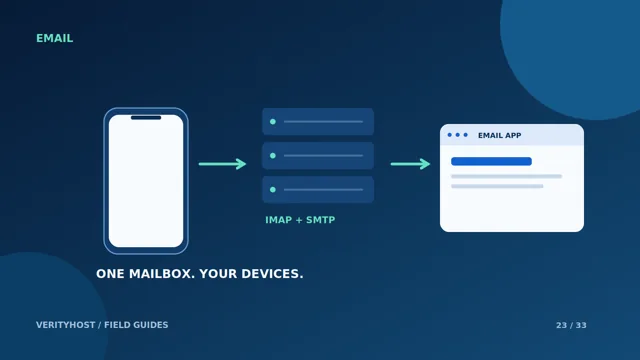
Update authorised devices, test incoming mail and authenticated replies, and check that staff know which password belongs to which service. Document any data or functionality that remains with the old provider. VerityHost email access is through compatible desktop and mobile apps; browser webmail is not part of the service. Ask for a migration quote that names the included work.
PUT IT INTO PRACTICE
Your checklist.
- List owners, mailbox sizes and connected devices.
- Agree which historical data and folders are included.
- Prepare new accounts before changing mail routing.
- Verify the migration before cancelling the previous service.
YOUR NEXT STEP
Turn the plan into a working website.
Choose a suitable service or ask us to confirm the work and price.
Request a migration assessment ↗