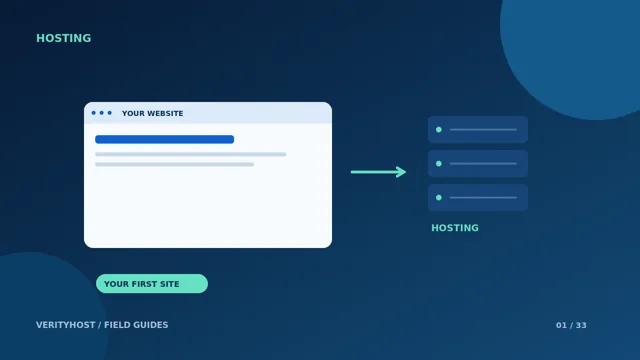
A hosting migration is a controlled change to a working business system. The website matters, but so do enquiry forms, mailboxes and the records pointing visitors to the right place. Prepare the move before changing nameservers, and keep a route back until the new setup is verified.
Inventory the current setup
Record the domain registrar, current DNS host, website platform, database and mail provider. List forms, scheduled jobs and external integrations that the business actually uses. Confirm who owns the required accounts. A migration assessment is much easier when access is available through named accounts rather than screenshots of an old control panel.
Protect a recoverable copy
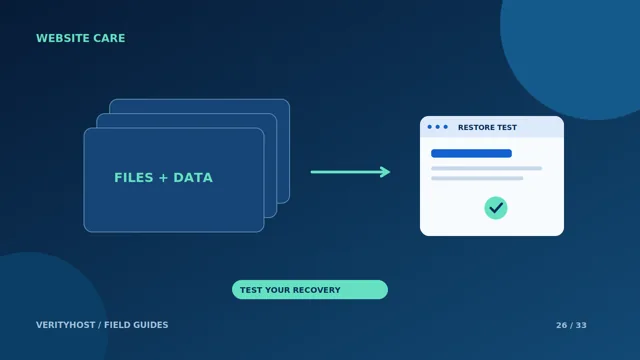
Keep a copy of website files and the associated database where applicable. Check that the copy can be opened or restored; the presence of a backup filename is not enough. Save the DNS records separately, particularly mail-related records. Moving a website does not automatically move email or preserve records that were never copied.
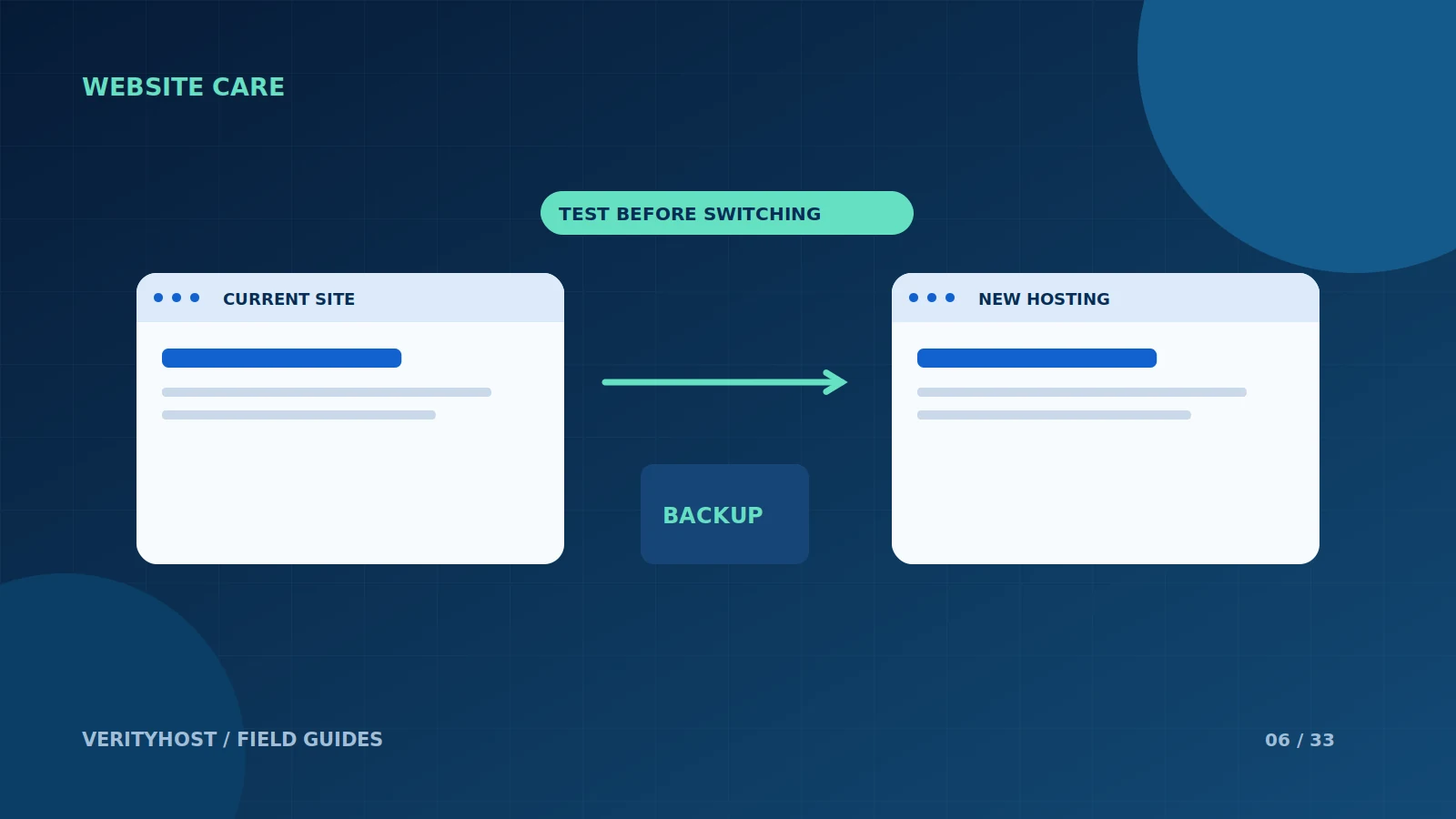
Test before switching visitors
Check the new site using a suitable preview or controlled test arrangement. Walk through navigation, forms, important downloads and the store flow if relevant. Avoid sending real duplicate customer messages or making an unplanned live payment during testing. Agree which checks require a supervised test transaction before doing them.
Manage the cutover deliberately
Choose a time when someone can monitor enquiries and resolve issues. Keep the old service available while you confirm the new website and email routing. Do not cancel it solely because a new home page appeared once. Ask the migration team to document what moved, what remained with another provider and any work still awaiting approval.
PUT IT INTO PRACTICE
Your checklist.
- Save website files, database and DNS records.
- Identify the email provider separately.
- Test the pages and forms customers use.
- Keep a rollback route until the move is verified.
YOUR NEXT STEP
Turn the plan into a working website.
Choose a suitable service or ask us to confirm the work and price.
Request a migration quote ↗