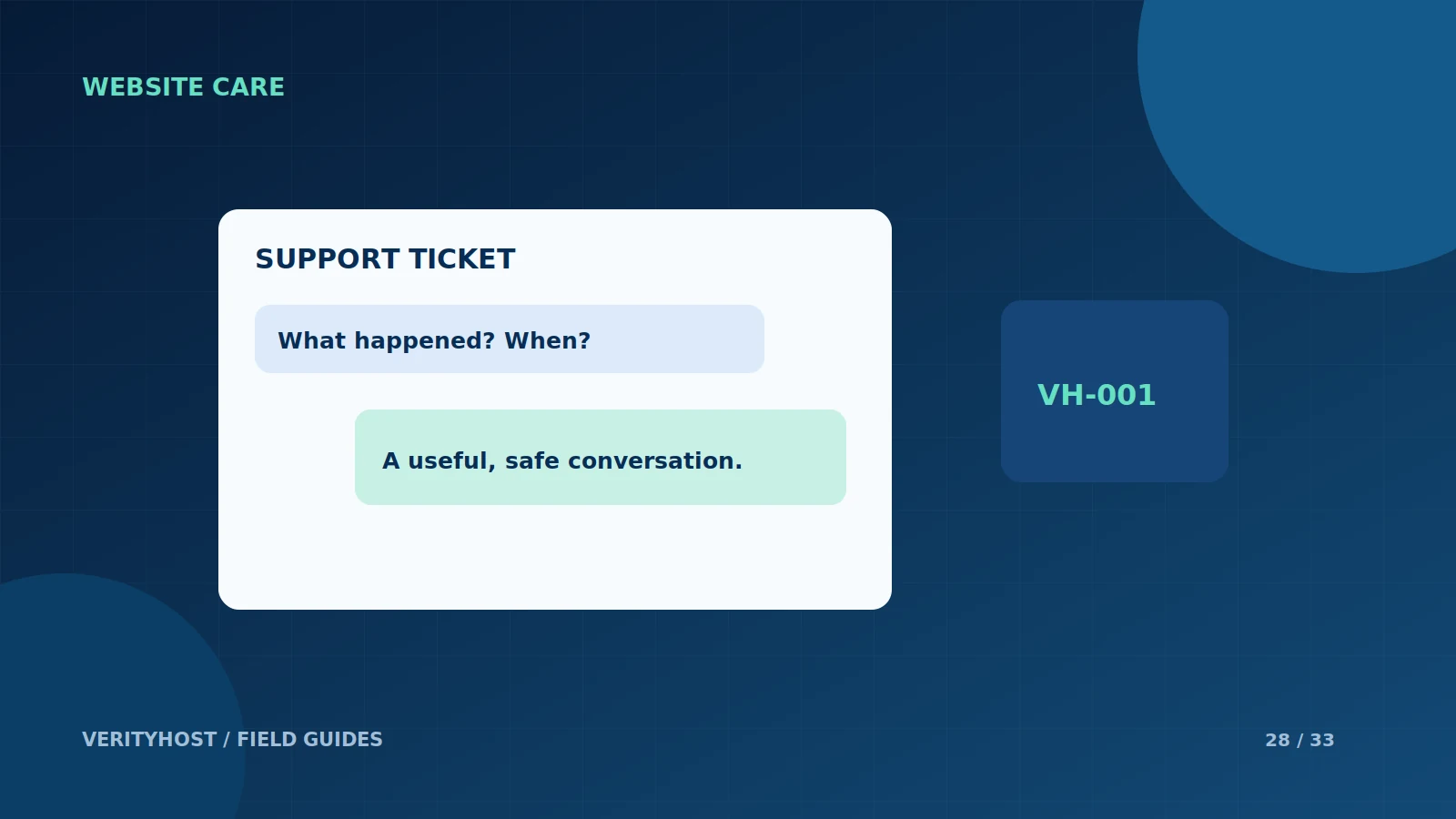
A good support ticket gives the next person enough information to investigate without a long exchange of guesses. You do not need to diagnose the server yourself. Describe what you expected, what happened and how the issue affects the business, then keep related updates in the same conversation.
Identify the affected service
State whether the issue concerns a website, mailbox, payment, domain connection or product activation. Include the relevant order reference where available. For a website problem, give the affected public URL and the action that fails. “Email is broken” is less useful than explaining whether messages cannot be received, sent or synchronised on one device.
Add a time and reproduction steps
Give the approximate time and timezone, the device or application and the steps that produced the issue. Mention whether another browser or device shows the same result. A short, repeatable description helps distinguish a temporary connection problem from an application error that support can reproduce consistently.
Explain recent changes
If a domain record, plugin, password or deployment changed shortly before the issue, include that fact without sharing the secret value. State any checks already made and the result. Avoid making several speculative changes while an investigation is underway; they can hide the original problem or create another one.
Keep the conversation safe and organised
Do not paste passwords, payment-card details or identity documents into a ticket. Use the designated private verification route for KYC. VerityHost’s client dashboard keeps ticket replies together and allows an order to be linked when appropriate. Reply to the existing ticket for follow-up, rather than opening several unrelated threads for the same problem.
PUT IT INTO PRACTICE
Your checklist.
- Name the service and include an order reference.
- Describe expected and actual behaviour.
- Provide timing, device and repeatable steps.
- Keep passwords and identity documents out of the conversation.
YOUR NEXT STEP
Turn the plan into a working website.
Choose a suitable service or ask us to confirm the work and price.
Open your support dashboard ↗