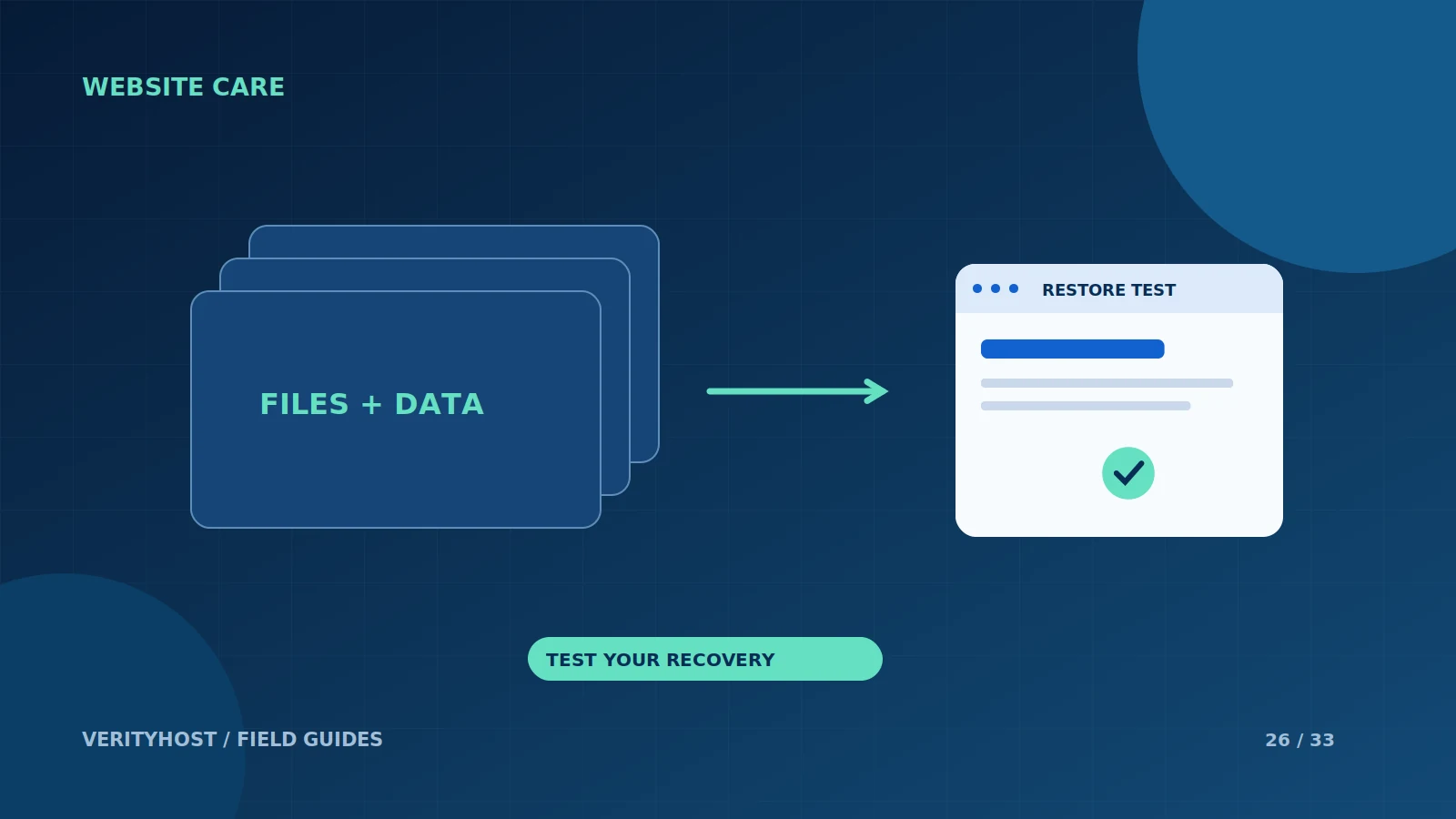
“We have a backup” is an incomplete recovery plan. You also need to know what it contains, how old it is and how a working website would be restored from it. A small business can answer those questions without building a complicated system, provided somebody owns the process.
Define what must be recovered
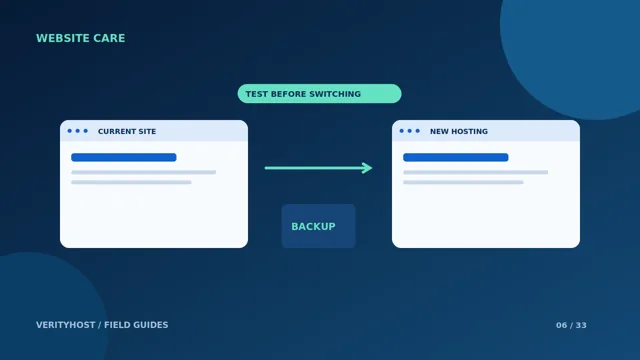
A WordPress website generally needs its files and database together. A static site may have a different set of files and deployment instructions. List any external systems, mailboxes or form destinations that are outside the website backup. Restoring a web folder will not necessarily recover an inbox or an order stored in another service.
Choose a useful recovery point
Think about how frequently important information changes. A brochure site with occasional edits and a busy store have different recovery needs. Ask what changes would be lost if you restored yesterday’s copy. Keep the decision tied to actual business work rather than selecting a backup interval because it looks reassuring on a feature sheet.
Protect access to the copies
Keep backup access limited and avoid leaving downloadable database exports inside a public website folder. Consider the consequences if the hosting account itself becomes unavailable. Record who can authorise a recovery and where the necessary instructions are stored, without publishing passwords or keys in project notes.
Practice a controlled restore
A restore test should use an appropriate separate environment so that old data does not replace new customer orders. Confirm that pages, content and required workflows work after restoration. Ask your hosting or maintenance provider to state the backup and restoration scope explicitly; do not assume a frequency or retention period that is not included in the agreement.
PUT IT INTO PRACTICE
Your checklist.
- Identify all required files, data and external dependencies.
- Choose recovery needs around real business changes.
- Keep backup exports outside public website paths.
- Test recovery without overwriting current orders.
YOUR NEXT STEP
Turn the plan into a working website.
Choose a suitable service or ask us to confirm the work and price.
Discuss your website recovery needs ↗