The right platform is the one you can operate consistently. A small brochure site may not need the same editing system as a publication with weekly articles. Decide who will update the site, how often it will change and which features are essential before selecting the hosting package.
Map the work after launch
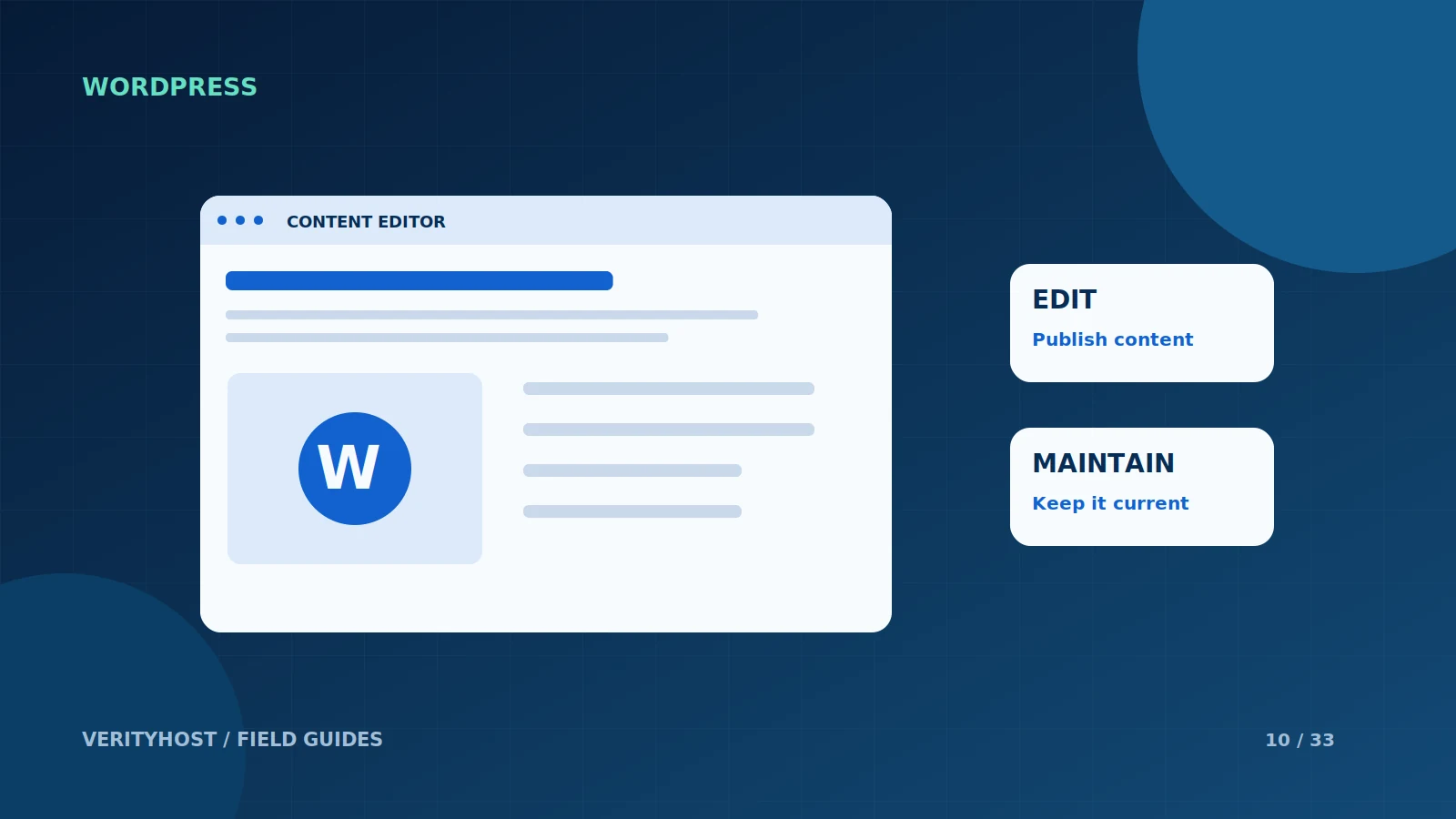
List the changes you expect to make in a normal month: editing a phone number, adding articles, changing prices or publishing product information. If a developer handles occasional changes, a static site may be enough. If staff need a regular content workflow, a content-management system may be more convenient.
Match the hosting environment
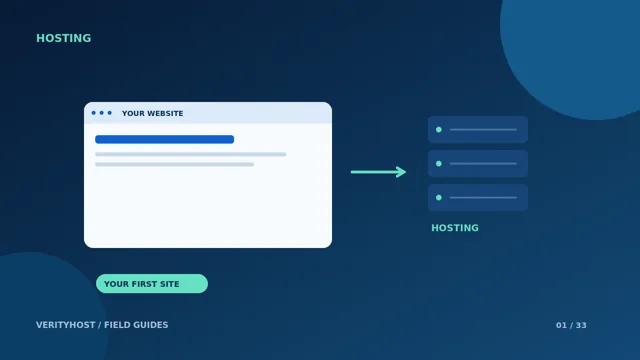
Static pages can be served without a WordPress application. WordPress needs a suitable runtime and database setup. A plan marked static-only should not be treated as a low-cost WordPress option. At VerityHost, the plan comparison identifies which personal tiers support WordPress and which are intended for static websites.
Budget for ongoing responsibility
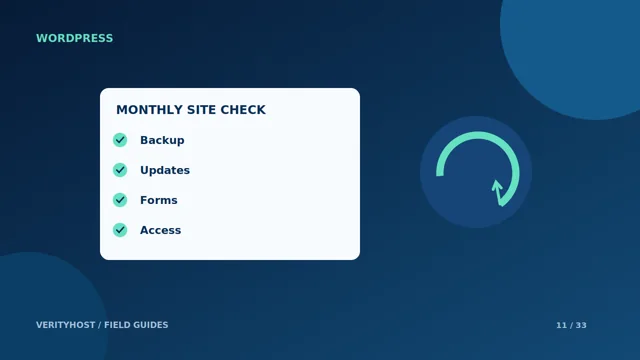
WordPress gives you a broad editing and extension ecosystem, with responsibility for updates, account access and compatible plugins. A static site still needs safe deployment and a way to maintain its content. Neither choice removes the need to check forms, backups and the business information shown to visitors.
Avoid rebuilding for a vague future
Choose based on the next realistic phase of the business. A one-page enquiry site can be a useful first launch, while a growing editorial site may justify WordPress from the start. Write down the features that would trigger a future change, so that the decision remains understandable when a new request arrives.
PUT IT INTO PRACTICE
Your checklist.
- Name the person who will maintain the content.
- List the real features needed at launch.
- Check whether the chosen hosting tier supports the platform.
- Include maintenance and updates in the ownership plan.
YOUR NEXT STEP
Turn the plan into a working website.
Choose a suitable service or ask us to confirm the work and price.
Compare personal WordPress hosting ↗