A WordPress site needs a small, repeatable maintenance routine more than occasional frantic repair. Put the work in a calendar, assign an owner and keep a brief change record. The goal is to notice a problem while it is still a small task, rather than after an enquiry or checkout stops working.
Begin with a usable recovery point
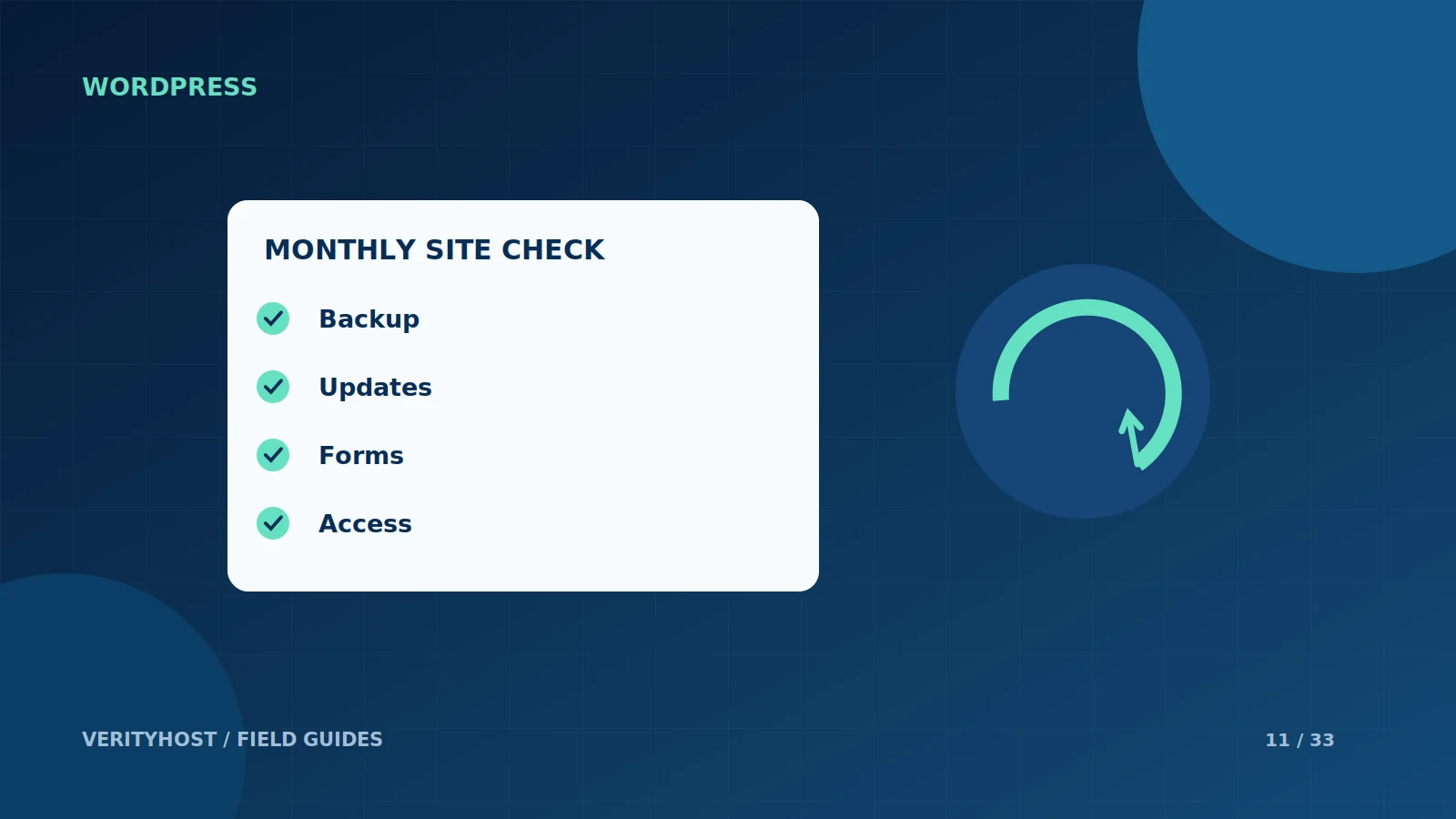
Before changing plugins, a theme or WordPress itself, make sure there is a backup appropriate to the site. Website files and database content may both be needed for recovery. Record how the backup would be restored and where the copy is stored. A backup that nobody has checked is an assumption rather than a recovery plan.
Make controlled updates
Review available updates and the site’s important integrations. Apply changes in a suitable test arrangement when a business-critical workflow is involved. Avoid changing several unrelated things and immediately deleting the previous working copy. If a problem appears, a short change record helps narrow the cause and makes a rollback less uncertain.
Test what customers actually do
After maintenance, submit a controlled enquiry, open key pages and check the contact details. For a store, agree a safe checkout test rather than making an unplanned purchase. Check the mobile view as well as the administrator screen: a working dashboard does not prove that visitors can complete their task.
Review access and unused software
Remove accounts that no longer need access and review unnecessary plugins or themes. Keep legitimate licence and update information available to the person maintaining the site. Do not send passwords in a support ticket. Use the ticket to describe the problem and agree a suitable method for any access the maintenance work requires.
PUT IT INTO PRACTICE
Your checklist.
- Confirm a recoverable backup before updates.
- Keep a record of the changes made.
- Check enquiry forms and important mobile pages.
- Review accounts and software that are no longer needed.
YOUR NEXT STEP
Turn the plan into a working website.
Choose a suitable service or ask us to confirm the work and price.
Ask for website maintenance help ↗