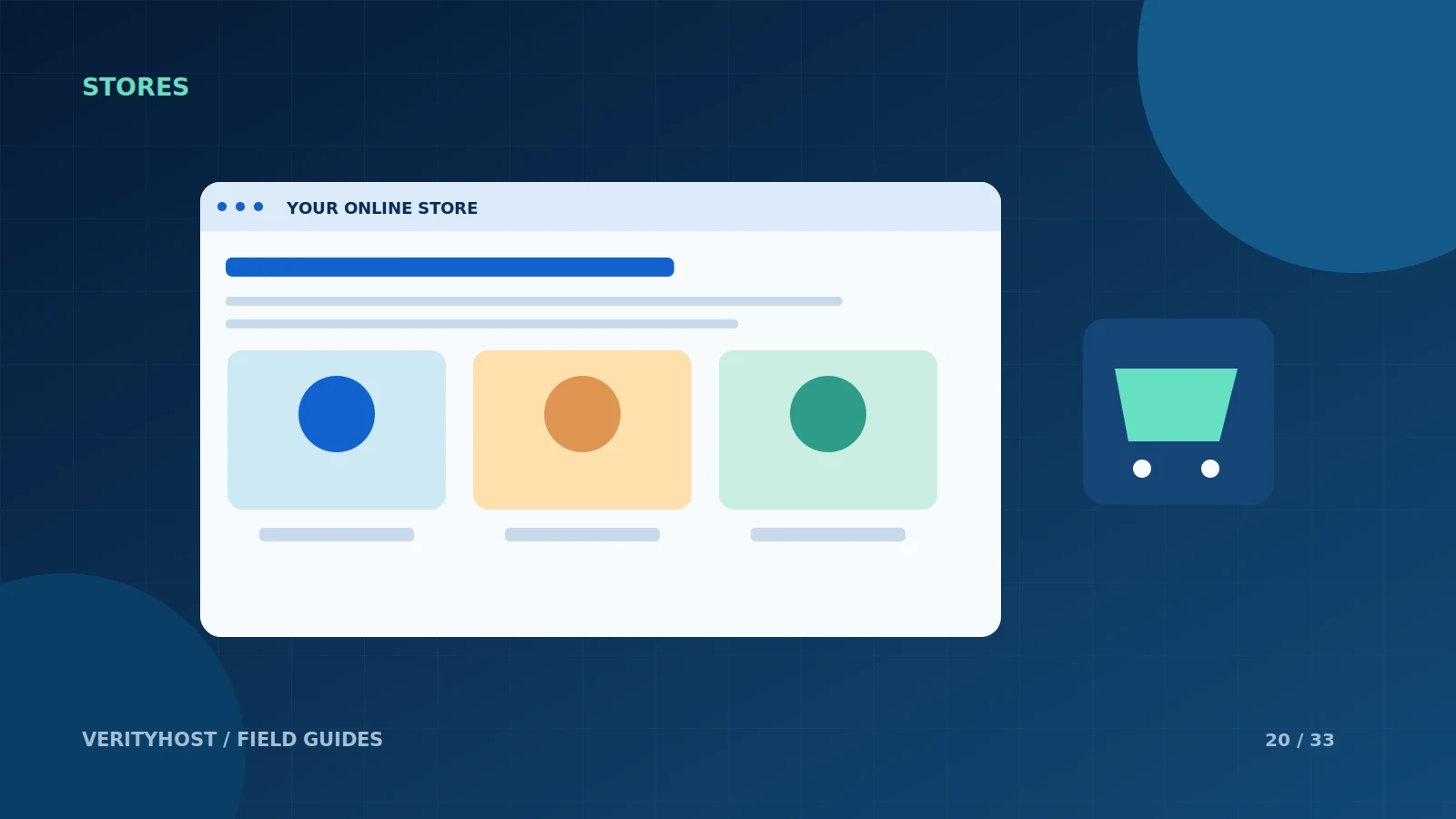
An online store has more moving parts than a brochure website. Product information, stock, checkout, customer messages and payment confirmation all need to agree. Hosting is a necessary foundation, but a successful launch also depends on the store configuration and the people maintaining it.
List the real store requirements
Estimate the product count, image library, expected editing activity and any required extensions. Identify who will add products and maintain prices. A store-hosting plan does not automatically include cataloguing a business’s stock, writing product descriptions or licensing specialist plugins. Agree these tasks separately when planning the launch.
Check the platform and storage fit
WooCommerce runs within a WordPress environment, so static-only hosting is not suitable. Review the current platform requirements with the setup team and consider files and database growth together. Storage should be planned for the published catalogue, not an unrestricted archive of original photography or unused product exports.
Walk through the order lifecycle
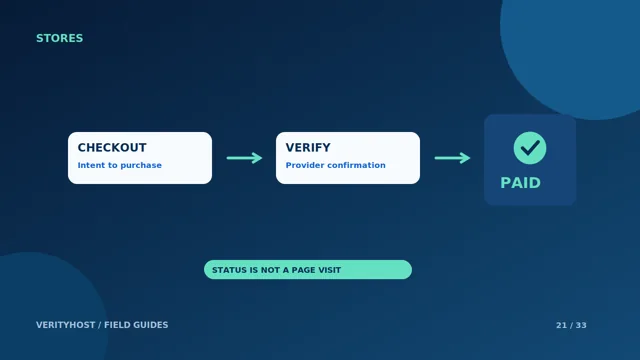
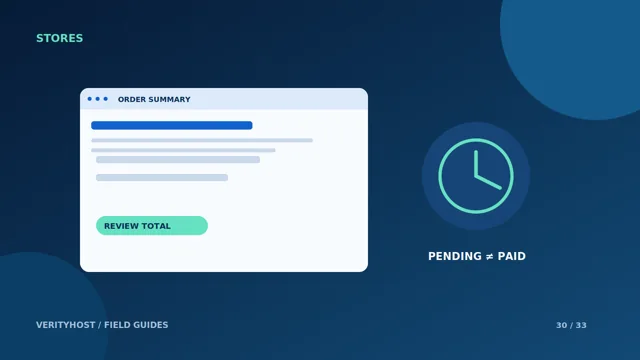
Test an appropriate payment flow, the resulting order status and the customer confirmation. Discuss refunds, delivery or digital access according to what the business actually sells. A browser returning to the website is not sufficient evidence that a payment succeeded. The store needs a verified record from the payment system.
Keep maintenance in the operating budget
Updates, backups and compatibility checks remain important after launch. Schedule changes so that someone can test the checkout and respond if a problem appears. VerityHost store plans provide hosting with WooCommerce installation; product entry, paid plugins and extra development are separate where stated. Request a quote for requirements beyond the listed plan and setup scope.
PUT IT INTO PRACTICE
Your checklist.
- Name the owner of products, prices and stock updates.
- Confirm WordPress/WooCommerce platform support.
- Test payment confirmation and order messages.
- Budget separately for extensions and ongoing maintenance.
YOUR NEXT STEP
Turn the plan into a working website.
Choose a suitable service or ask us to confirm the work and price.
Compare store hosting ↗