A started checkout is a sign of interest, but it is not a completed purchase or an explanation of why the customer stopped. Treat abandoned-checkout records as a way to investigate friction. Combine the record with the actual customer journey before deciding what change to make.
Keep the definition clear
Use a consistent time threshold to distinguish an active checkout from an abandoned one. VerityHost’s hosting dashboard marks an unpaid checkout abandoned after thirty minutes. That is a reporting rule, not a statement that the customer has permanently rejected the product. They may still return, compare plans or need help with verification.
Look for repeated patterns
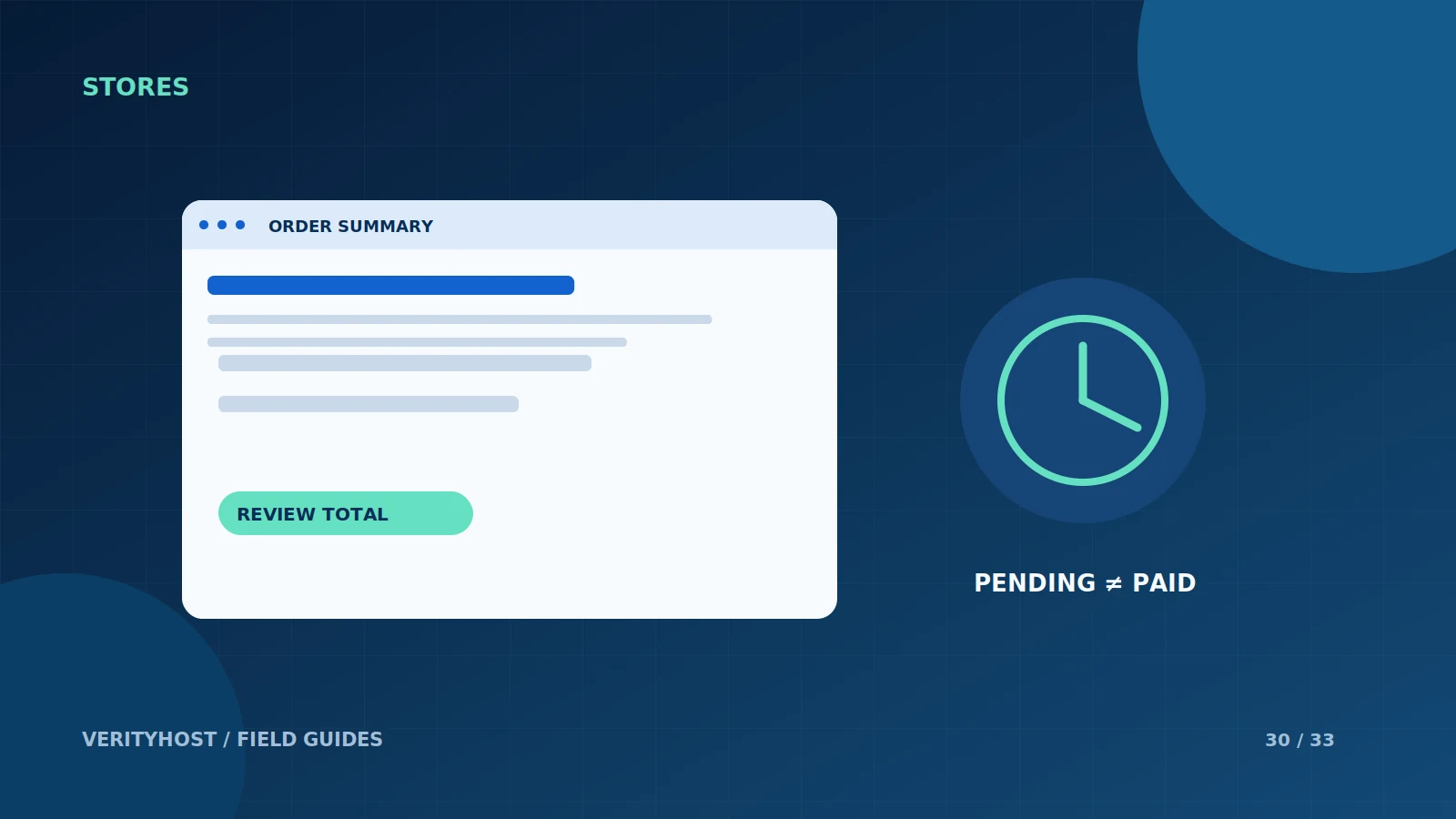
Check whether customers stop around the same step: choosing a plan, entering contact details, reviewing the total or opening the payment provider. A surprise annual charge, unclear add-on or difficult mobile field is more actionable than an unexplained abandonment percentage. Review the page on a phone and compare the headline offer with the checkout summary.
Separate technical failure from intent
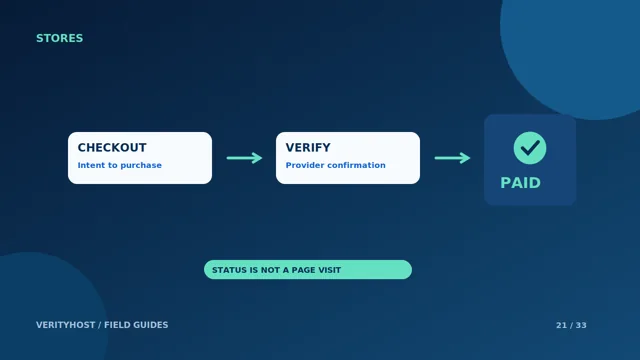
A slow network, closed browser or uncertain payment response can look similar to a deliberate exit. Confirm the payment status before contacting a customer about a supposedly unpaid order. Do not assume that a missing analytics event proves a sale was direct, or that a checkout record establishes which advertising campaign caused it.
Handle follow-up deliberately
Use contact details only in line with the customer’s permissions and your published privacy practices. Avoid automatic, repeated reminders without a clear purpose and suitable consent. VerityHost’s current hosting dashboard does not send abandoned-cart reminders automatically. Start by correcting confusing information and technical problems before adding more messages to the process.
PUT IT INTO PRACTICE
Your checklist.
- Use a consistent abandonment threshold.
- Compare the advertised offer with the final total.
- Check payment status before treating an order as unpaid.
- Prioritise fixing friction over speculative follow-up.
YOUR NEXT STEP
Turn the plan into a working website.
Choose a suitable service or ask us to confirm the work and price.
Review your orders and enquiries ↗