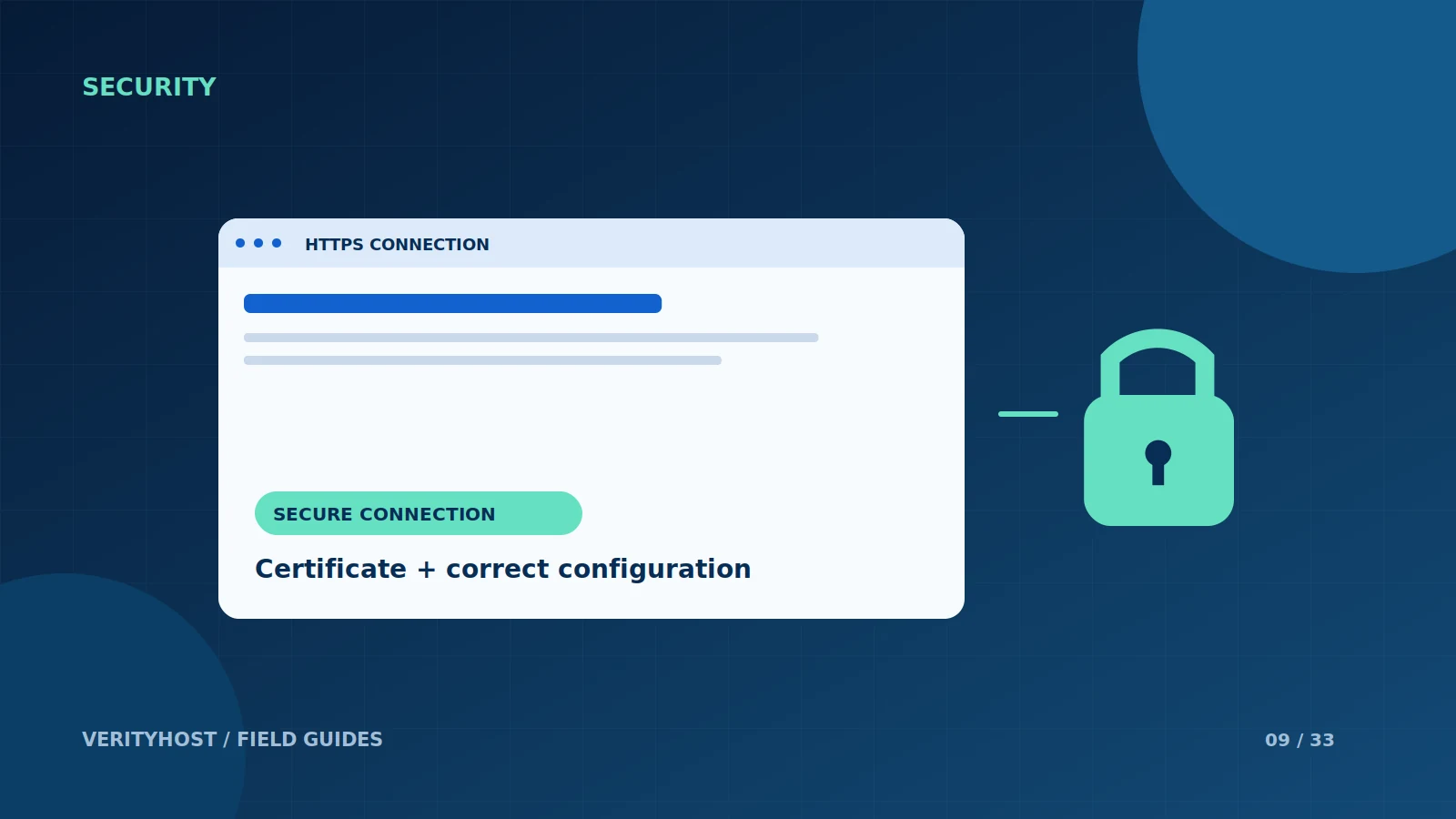
HTTPS helps protect the connection between a visitor and a website. It is an important baseline for a business site, but it does not prove that every form, plugin or account is secure. Treat a working certificate as one item in a practical website-security checklist.
Check the right hostnames
Test the domain customers actually use, including any www version that redirects to the main address. A certificate must fit the hostname being requested. After a migration, confirm that visitors reach the intended server and that the public site consistently uses HTTPS rather than leaving separate working copies on different addresses.
Look beyond the first page
Visit enquiry forms, product pages and downloads, not just the home page. Older image links or embedded resources can still use insecure URLs. Check these references during a redesign or migration instead of assuming that installing a certificate updates every link inside the website’s content.
Plan for renewal
A certificate is issued for a period and must remain renewable. Automated issuance still depends on a working validation method and correctly configured services. Ask who monitors the renewal process and what happens when domain or server settings change. Keep the responsible account and contact details current.
Keep application security separate
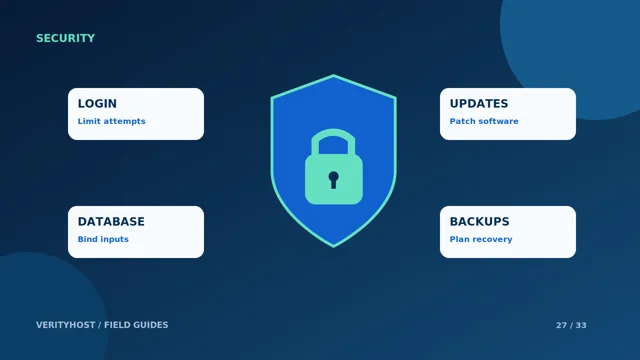
VerityHost includes SSL with every hosting plan. This does not replace protected logins, updates, safe database queries or backups. If the browser shows a certificate warning, investigate the hostname and configuration rather than instructing customers to bypass the warning. Our SSL-fix service can assess an existing certificate or HTTPS configuration issue.
PUT IT INTO PRACTICE
Your checklist.
- Test your actual domain and its redirect.
- Review forms and inner pages for insecure resources.
- Confirm how certificate renewal is maintained.
- Keep application updates and login protection in place.
YOUR NEXT STEP
Turn the plan into a working website.
Choose a suitable service or ask us to confirm the work and price.
Request help with SSL ↗