Useful website security begins with the entry points people and software actually use. Protecting logins, forms, payment callbacks and private files is more practical than displaying a security badge without checking the underlying controls. No single setting makes a website immune to every attack.
Protect account access
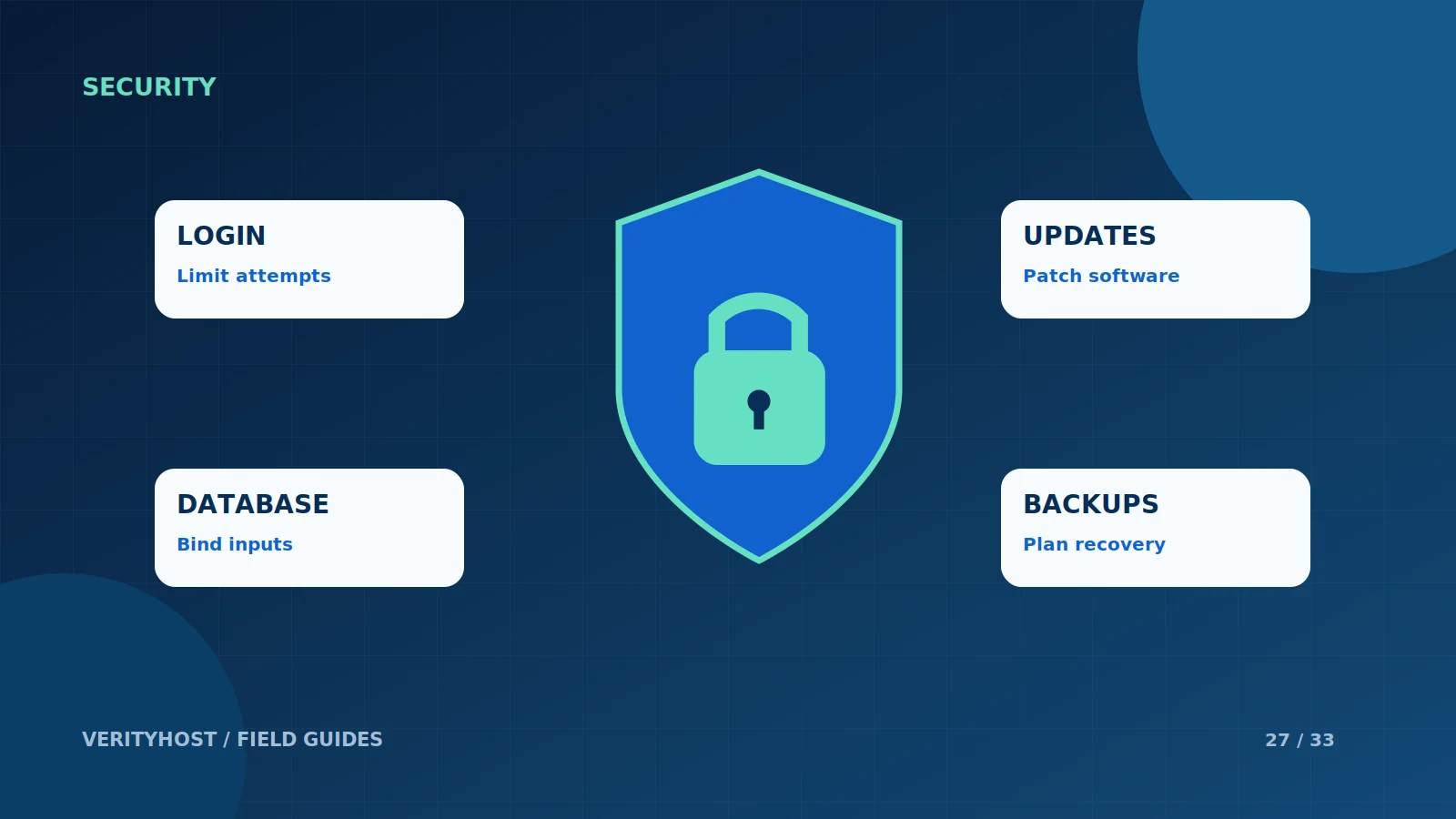
Use strong, distinct credentials where passwords are required and enable suitable verification methods when supported. Limit repeated login attempts without making ordinary recovery impossible. Review who needs administrator access, and remove access that is no longer required. Never publish a shared administrator password in a project document or ordinary support conversation.
Treat input as data
A website should use parameterised database queries rather than assembling SQL from user-entered text. Uploaded documents need access controls and appropriate validation. Messages shown on a dashboard should be rendered safely rather than treated as executable page content. These controls belong in the application, not just in a form’s browser validation.
Keep payments and private content controlled
Confirm payments through the provider’s verified information and match the saved order. Do not unlock paid content because someone knows a buyer’s email or visits a success URL. Keep configuration files, database copies and private documents outside public website paths. Avoid putting access tokens into advertising reports or ordinary access logs.
Maintain the protections
Apply supported updates, review failures and maintain a usable recovery plan. VerityHost has added login and request limits, temporary blocking, browser security headers and email-code verification for book-reader sign-in. These controls reduce common risks but still need maintenance. Report a suspected incident through support with the time and affected page, keeping secrets out of the message.
PUT IT INTO PRACTICE
Your checklist.
- Review administrator access and recovery methods.
- Use bound database queries and protected uploads.
- Verify payments before granting access.
- Maintain updates, logs and a tested recovery plan.
YOUR NEXT STEP
Turn the plan into a working website.
Choose a suitable service or ask us to confirm the work and price.
Get help with a security issue ↗