Good website imagery helps a visitor understand the offer. Poorly prepared imagery can slow the page, disrupt its layout or add decoration without meaning. Build an image routine around the place where the picture will appear, rather than uploading the largest original file you have.
Choose images with a job
Use a picture that supports the nearby content: the product, a relevant process or a clear illustration. Avoid repeating an unrelated stock photograph across several services. Keep permission and source information with the original assets. A graphic explaining a technical concept can be more useful than a photograph of equipment that does not represent the service.
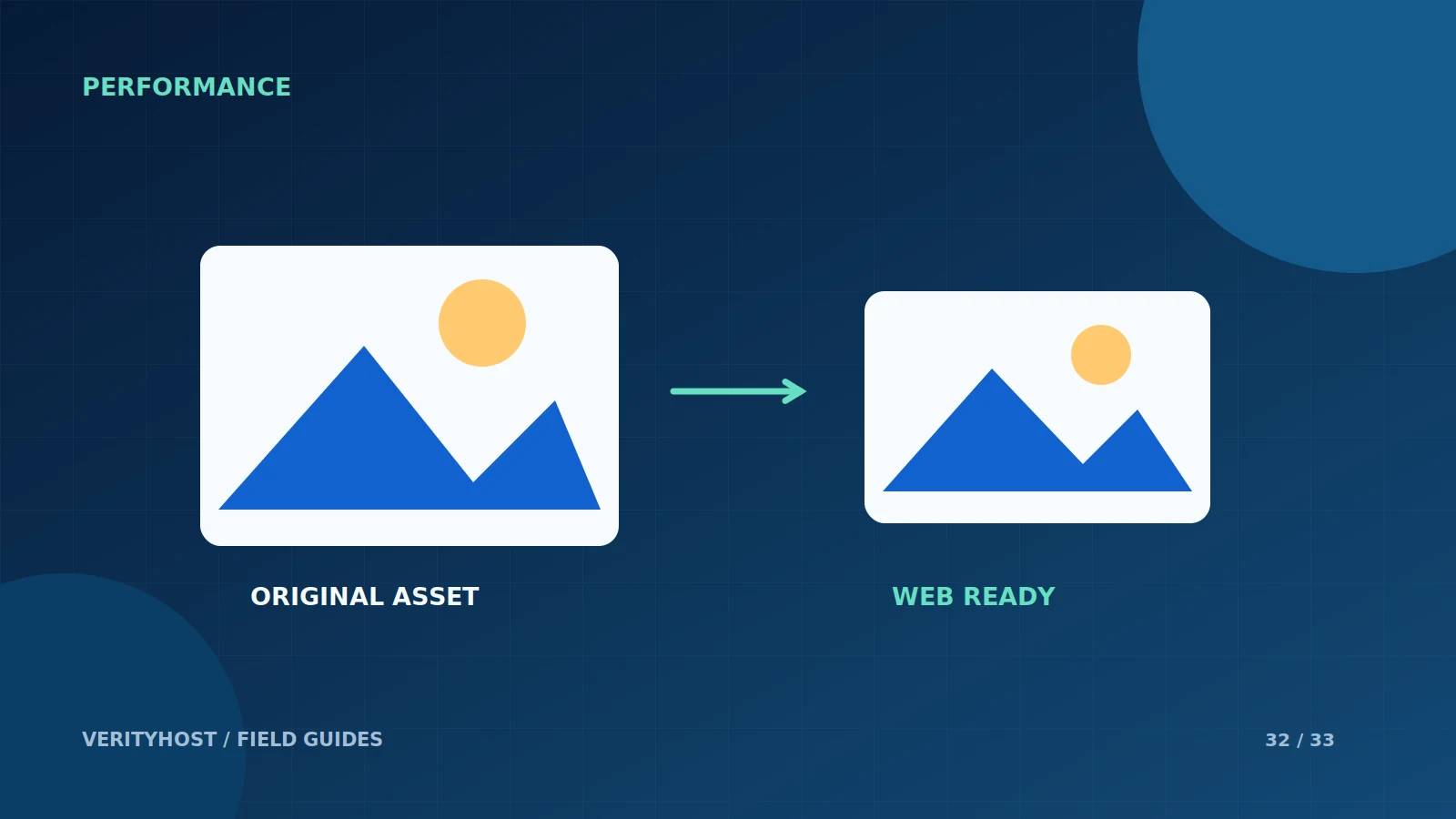
Export for the actual display size
A small card rarely needs a full camera-resolution file. Prepare dimensions suited to the layout and compare the result at the size visitors will see. Modern formats such as WebP can be useful, but inspect fine details and text after export. A smaller file is not an improvement if the important information becomes unreadable.
Describe and reserve the image
Give meaningful content images appropriate alternative text. Decorative details may not need a description. Include image dimensions so the layout can reserve space while the file loads. This helps keep nearby text and buttons from moving unexpectedly when images appear, particularly on a slower mobile connection.
Load the right things at the right time
An important image near the top of a page should not be treated exactly like a distant gallery item. Defer images below the initial view where appropriate, and avoid downloading an entire hidden gallery unnecessarily. Check the result in a real browser rather than assuming one export setting solves every page’s performance problems.
PUT IT INTO PRACTICE
Your checklist.
- Choose relevant imagery with clear usage rights.
- Export near the size required by the layout.
- Inspect quality and add suitable alternative text.
- Reserve dimensions and review loading priorities.
YOUR NEXT STEP
Turn the plan into a working website.
Choose a suitable service or ask us to confirm the work and price.
Get a page-speed assessment ↗