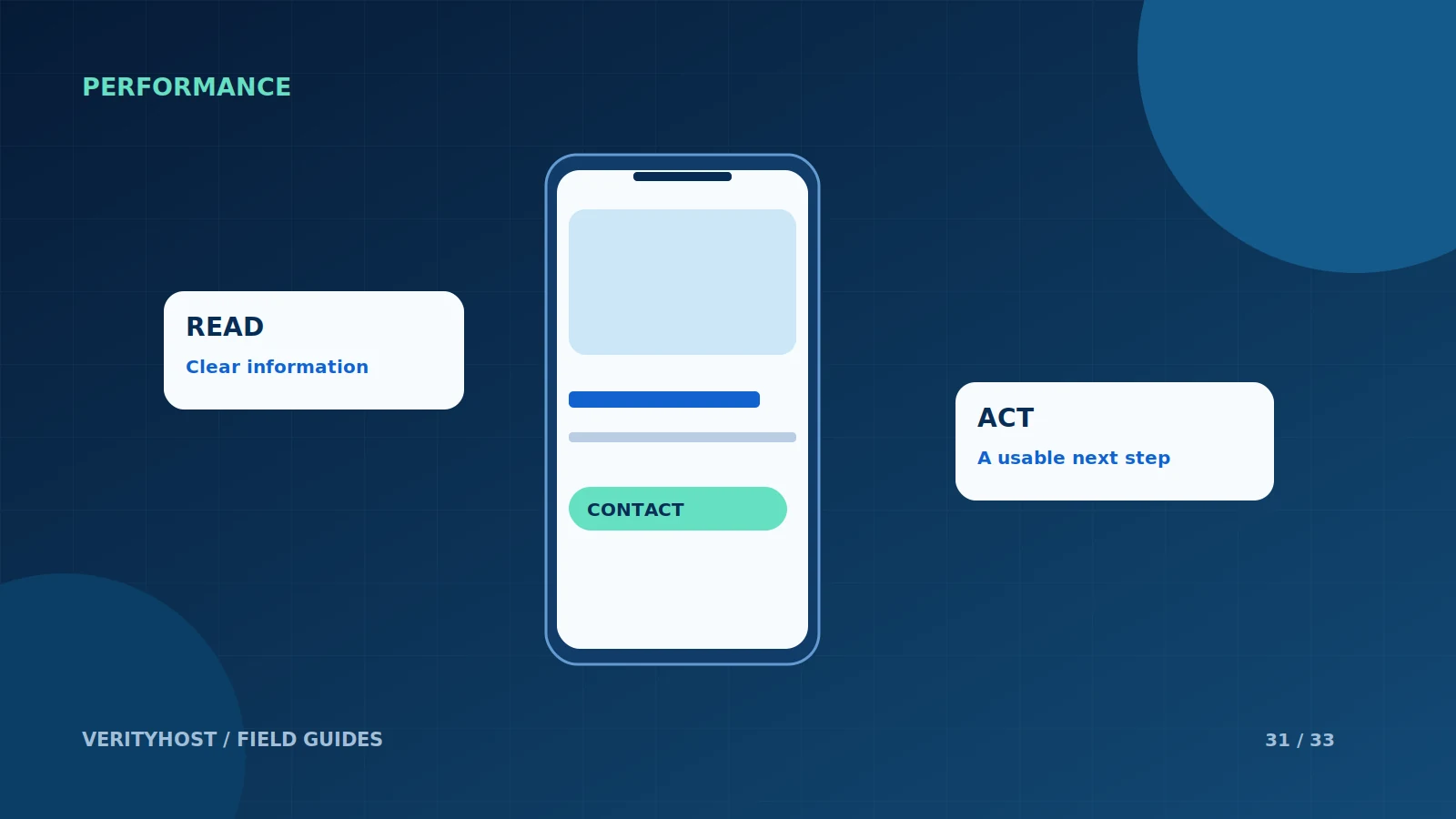
A page can fit inside a mobile screen and still be difficult to use. Customers notice whether they can read the offer, find the next step and finish a form without fighting the interface. Test those tasks on a real phone before judging the design from a large desktop preview.
Make the first screen useful
Explain the main offer in readable text and give a clear route to act or learn more. Avoid filling the first screen with a decorative image while the service description sits far below it. Use headings that communicate meaning rather than forcing the visitor to infer the business from a slogan.
Check navigation and touch targets
Open the menu and follow links to the pages people need most. Buttons and links should be easy to distinguish and comfortably usable with a finger. Watch for a floating chat control covering a checkout button or a sticky header obscuring section headings. A good desktop layout can still need separate attention on a narrow screen.
Complete a form yourself
Check keyboard choices, required fields, validation and error messages. Make sure the entered information is not unexpectedly lost when a field fails. A customer should understand what happens after submitting a quote or opening payment. Test the confirmation step too; it is part of the customer journey, not an optional final detail.
Test under realistic conditions
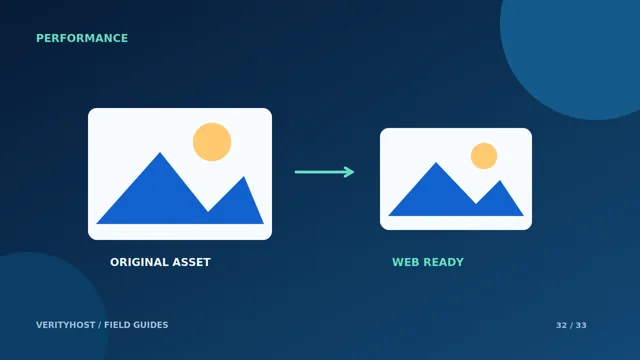
Use a normal mobile connection and visit more than the home page. Large images and unnecessary scripts can make an otherwise clear design feel unresponsive. Keep a short list of the device, page and issue so that fixes can be checked against the original observation. Prioritise the problems that prevent the customer’s main task.
PUT IT INTO PRACTICE
Your checklist.
- Explain the offer before asking for a commitment.
- Check menus, touch targets and floating controls.
- Test validation and confirmation on a real phone.
- Measure important pages under realistic network conditions.
YOUR NEXT STEP
Turn the plan into a working website.
Choose a suitable service or ask us to confirm the work and price.
Request a website improvement quote ↗