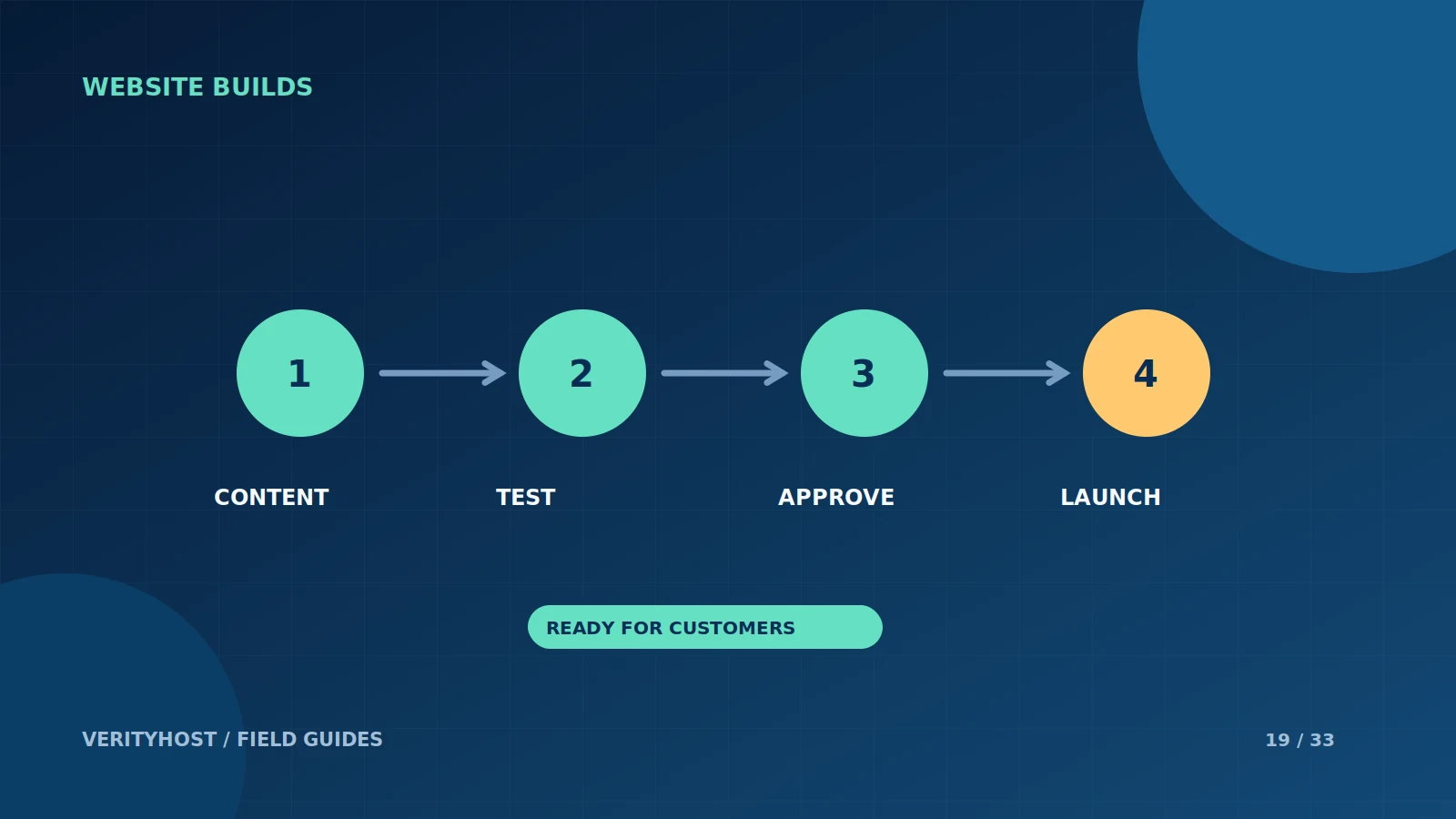
A launch is complete when customers can use the website successfully, not merely when its home page becomes visible. A short acceptance checklist gives the business and the setup team the same definition of “ready”. Keep a copy with the project so that later changes can use the same checks.
Confirm ownership and business information
Make sure the domain account, renewal contacts and relevant service accounts are controlled by the business. Check the business name, phone number, email and address displayed on the site. Use your actual operating details rather than a template’s placeholder. If a team member will maintain the content, confirm that they have the right access and instructions.
Review the customer journey on a phone
Open the site on a real phone and follow its main path. Can a visitor understand the offer without zooming? Do buttons lead to the intended place? Check important images, menus and form fields. Read the confirmation message after a controlled test so you know what a customer will see.
Check the operational pieces
Confirm HTTPS, the contact or enquiry destination and the recovery arrangement. If the site takes payments, agree a safe verification test and check the order record. Keep private credentials and identity documents out of ordinary tickets. Record which provider is responsible for hosting, email, domains and external services.
Prepare the first week after launch
Identify who will monitor enquiries, where issues should be reported and which changes need approval. Save the launch date, order reference and key project decisions. At VerityHost, the dashboard provides a place to view products and raise support tickets after setup. A clear handover reduces the time spent rediscovering details during the first urgent request.
PUT IT INTO PRACTICE
Your checklist.
- Check domain ownership and renewal contacts.
- Test the main mobile journey and enquiry destination.
- Confirm HTTPS and a recovery plan.
- Record support ownership and the project reference.
YOUR NEXT STEP
Turn the plan into a working website.
Choose a suitable service or ask us to confirm the work and price.
Choose hosting for your launch ↗