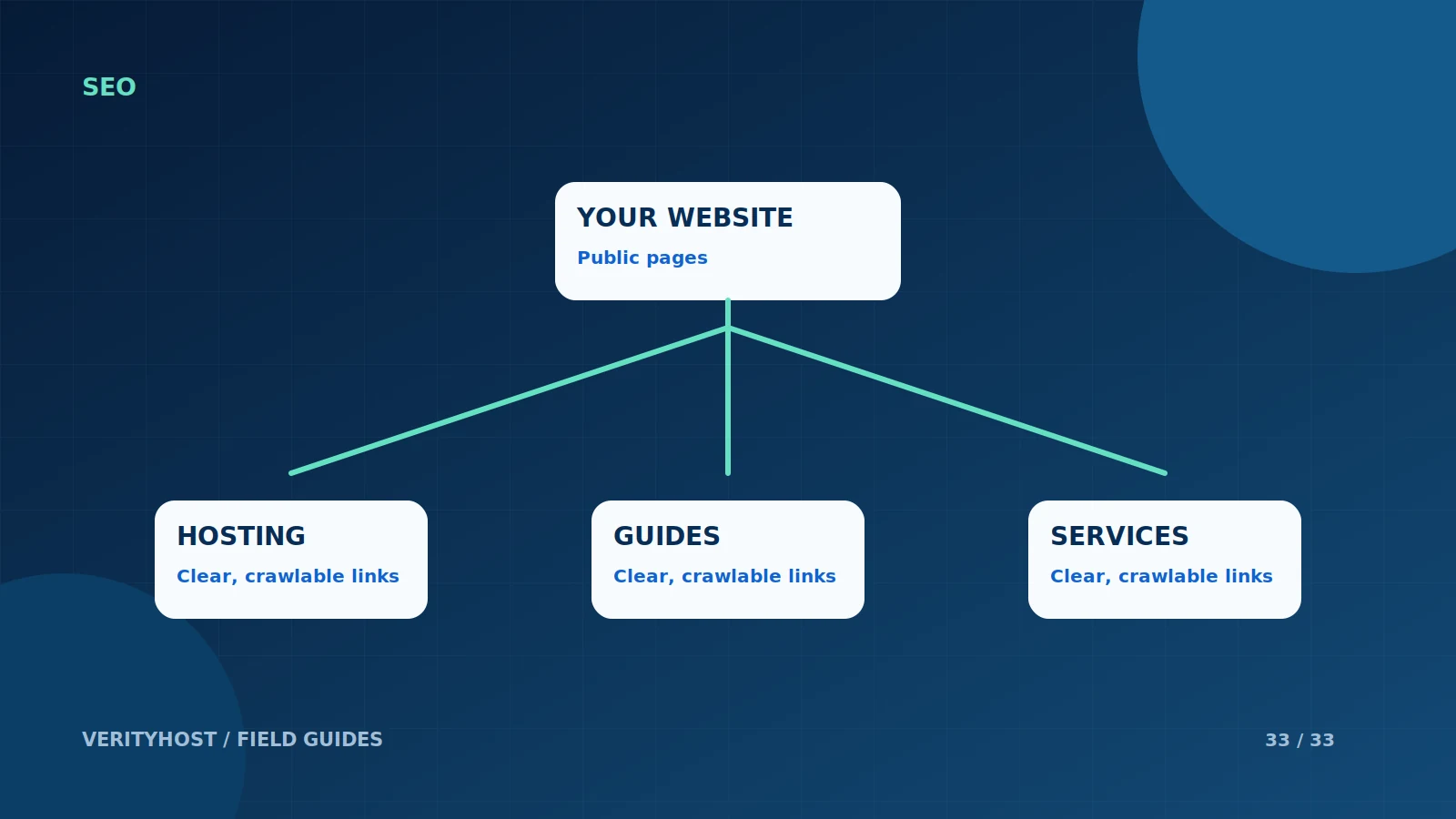
Publishing a page makes it available on your website. It does not automatically mean a search engine has discovered, indexed or ranked it. A clear site structure and an accurate sitemap help communicate what is available, while Search Console provides a place to review Google’s discovery and indexing information.
Start with working public pages
Each page should have a stable URL, useful visible content and normal links from the rest of the site. Check that the server returns the intended page rather than an error or login screen. Keep private dashboards, account endpoints and protected content outside the list of public pages you want indexed.
Build an accurate sitemap
List the canonical URLs you intend to publish. Use meaningful modification dates that reflect actual updates, rather than changing every date simply to look fresh. When a sitemap becomes large or has distinct content groups, a sitemap index can point to separate files. The files must remain reachable and valid after the website is deployed.
Submit and inspect the result
Use the verified property in Google Search Console to submit a sitemap or sitemap index. Confirm that the tool accepts it and review any later processing errors. Publishing the sitemap address in robots.txt provides another discovery route. Neither action forces a page into search results; discovery and indexing remain separate processes.
Improve the page when reports show a problem
Check redirects, canonical addresses, indexing directives and internal links before repeatedly resubmitting an unchanged URL. If a page is thin or duplicates another page, improve its usefulness instead of producing more near-identical URLs. VerityHost’s guides link to related services and relevant articles so readers can move through the material naturally.
PUT IT INTO PRACTICE
Your checklist.
- Keep public pages reachable through ordinary links.
- List canonical URLs and accurate update dates.
- Submit the sitemap in the verified Search Console property.
- Investigate reported problems before resubmitting.
YOUR NEXT STEP
Turn the plan into a working website.
Choose a suitable service or ask us to confirm the work and price.
Read more website guides ↗