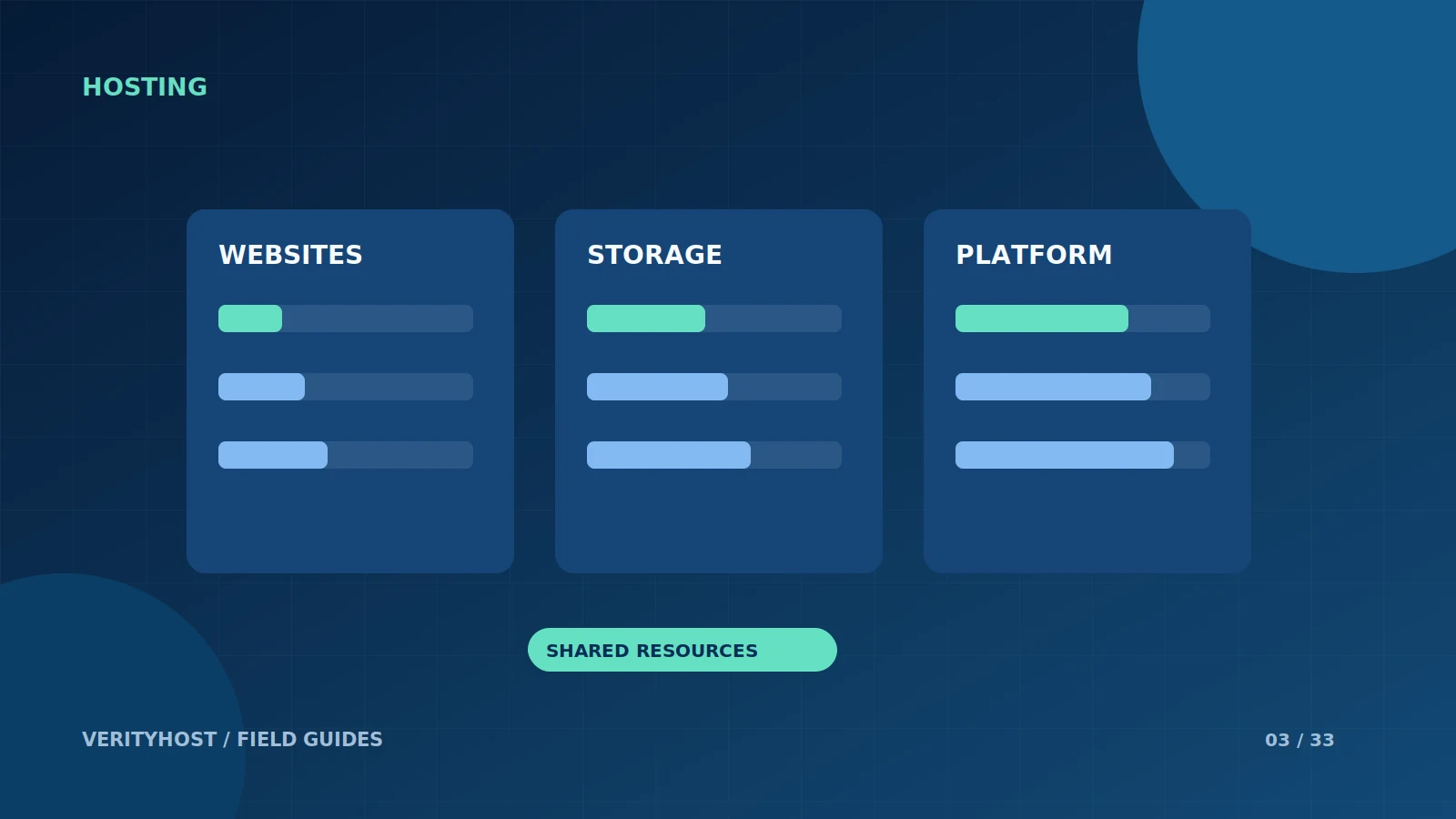
A higher hosting tier can offer more websites or storage without reserving a separate processor and memory allocation. Knowing that distinction helps you ask better questions and prevents a plan comparison from becoming a collection of impressive numbers with unclear meanings.
Distinguish the platform from your allocation
The processor model describes the server platform. It does not tell you how much CPU time one account can continuously use. In the same way, a server’s total RAM is different from dedicated memory for your website. Ask whether a number is reserved for your account, a maximum setting, or simply a description of the shared machine.
Understand process settings
A PHP memory limit describes a limit for a PHP process. It is not the same as guaranteed account RAM. Worker and concurrent-process limits affect how many requests can be handled at once, but they need context: caching, request duration and the site’s code all matter. A brochure without a numeric cap is not a promise of unlimited processing.
Use the differences that are actually offered
VerityHost’s hosting comparison identifies website count, combined file/database storage and platform support. The AMD-powered NVMe platform and India data centre are shared infrastructure. Dedicated RAM and tier-specific CPU or worker allocations are not advertised as reserved entitlements. Website process settings are confirmed during setup.
Upgrade for a measured reason
If your store becomes slow, inspect the expensive pages, plugins and traffic pattern before choosing a larger plan. A slow external payment call or an oversized image will not necessarily improve when storage is increased. Share the affected URL and approximate time with support so that a recommendation can be tied to an observed bottleneck rather than guesswork.
PUT IT INTO PRACTICE
Your checklist.
- Ask what each resource number measures.
- Separate reserved resources from shared platform details.
- Compare website count and usable storage.
- Investigate the cause of slow requests before upgrading.
YOUR NEXT STEP
Turn the plan into a working website.
Choose a suitable service or ask us to confirm the work and price.
Compare business plan limits ↗