A confirmed hosting payment is followed by account verification and setup. Understanding those steps helps you prepare the information the team needs and avoids treating a paid order as an immediately provisioned website. Your client dashboard is the main place to follow the process.
Find the confirmed order
Sign in using the email associated with your hosting account and review the order reference and products. Pending payment is different from confirmed payment. If a charge appears at the payment provider but the website has not confirmed the order, ask support to reconcile it using the references rather than creating another payment immediately.
Complete the account checks
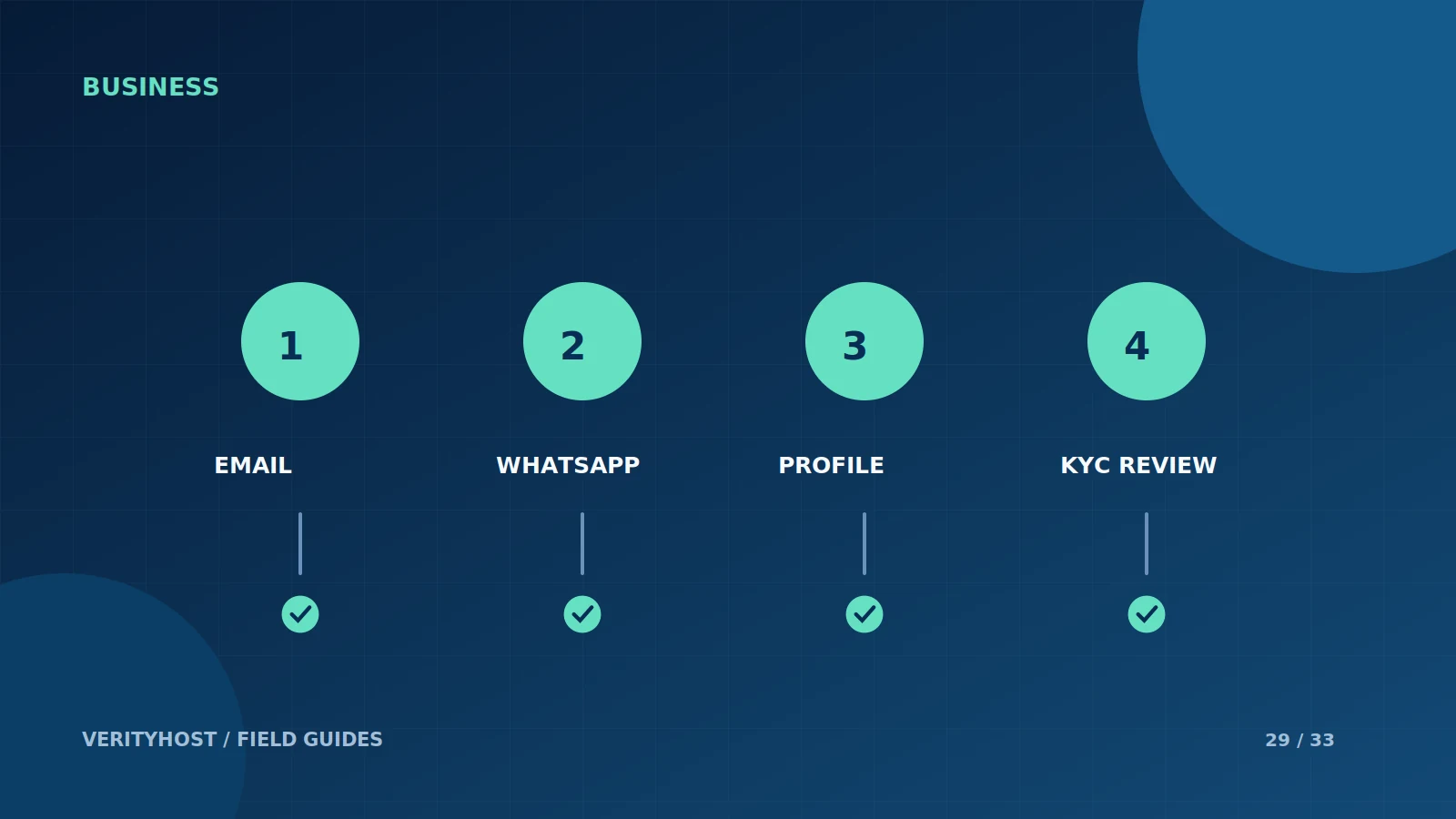
VerityHost requires email and WhatsApp verification, a completed profile and approved KYC before activating products. Follow the steps shown in the dashboard and use your correct contact information. Keep verification codes private. These are VerityHost’s activation requirements; they should not be interpreted as a claim that every hosting provider uses the same process.
Use the private document route
Submit the requested verification information through the designated dashboard workflow. Do not email identity documents casually or attach them to an ordinary support conversation. If a submission needs correction, follow the review feedback and provide a suitable replacement through the same process. Ask support when an instruction is unclear instead of uploading unrelated documents.
Prepare the product setup information
After the requirements are complete, the team can set up paid products and provide the appropriate access details. Hosting products show their control-panel link when available. Activated email products provide app connection settings after mailbox setup. Have your domain access, website content and any agreed deployment instructions ready so that verification is not followed by an avoidable wait for materials.
PUT IT INTO PRACTICE
Your checklist.
- Review the order and confirmed payment status.
- Complete email and WhatsApp verification.
- Use the private profile and KYC workflow.
- Prepare domain access and content for setup.
YOUR NEXT STEP
Turn the plan into a working website.
Choose a suitable service or ask us to confirm the work and price.
Continue account verification ↗