DNS changes often happen during a rushed launch, just when a business is least prepared for missing email or a website pointing to the wrong place. You do not need to memorise every record type. You do need a record of the current configuration and a clear description of what you are changing.
Identify the service each record supports
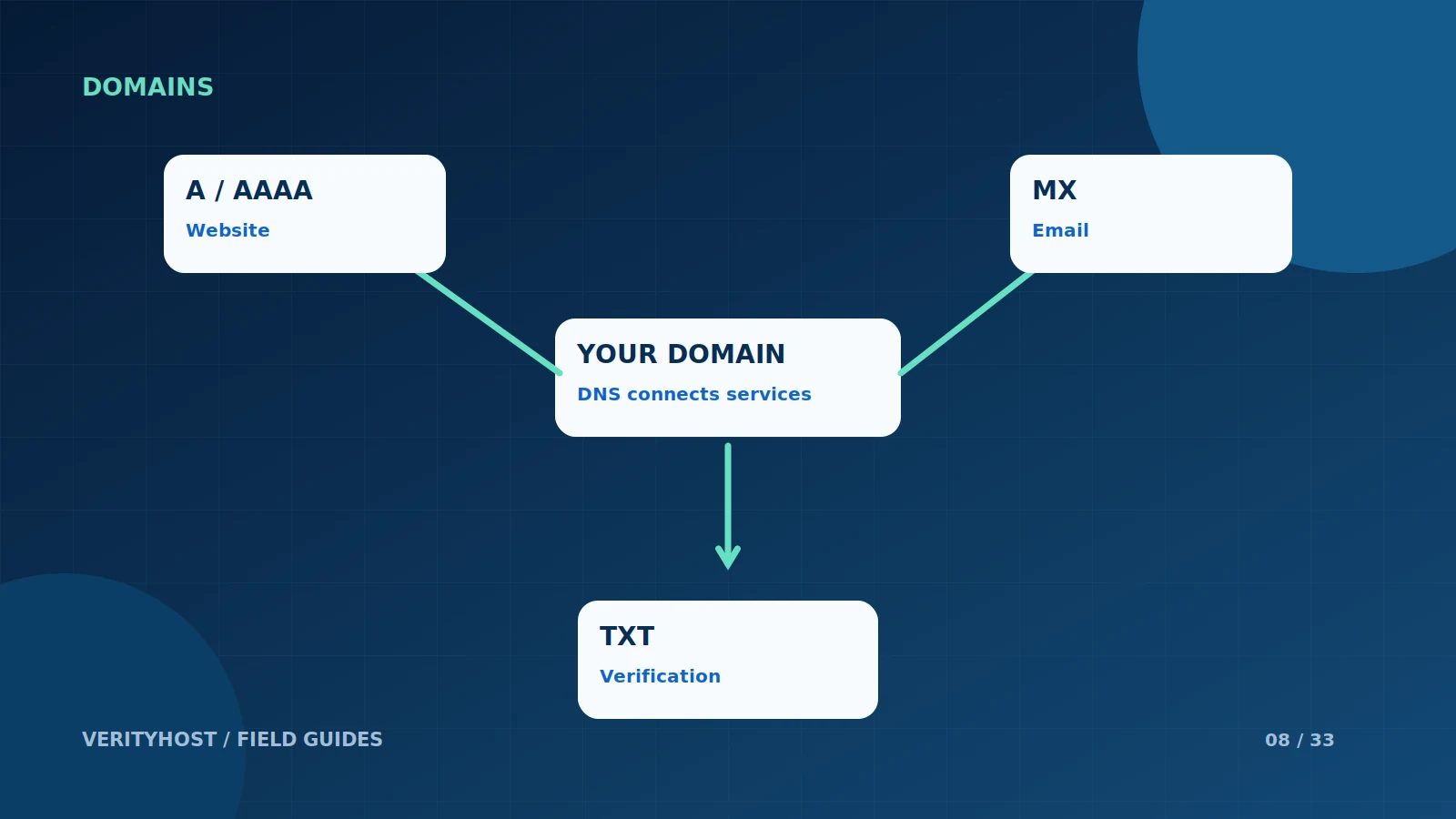
A and AAAA records connect hostnames to IP addresses. A CNAME is an alias for another hostname. MX records describe mail routing, while TXT records can carry verification or email-authentication information. These roles are different, so replacing a website record is not a substitute for setting up email delivery.
Find the authoritative place to edit
The company where you bought the domain may not be the company hosting its DNS. Confirm where the active nameservers point before editing records. Changing values in an inactive dashboard will not change the live domain, and editing both dashboards without a plan can make diagnosis unnecessarily difficult.
Change one purpose at a time
Write down the intended change, the old value and the new value. If you are moving only the website, protect the existing mail configuration. Keep copied records exact, including the hostname and record type. An apparently small difference, such as putting a full name into a field that already appends the domain, can create the wrong record.
Allow for caching and verify results
Different resolvers can retain earlier information for a period, so do not interpret every differing result as a fresh failure. Verify the authoritative record and then check the customer-facing service. If you need support, provide the domain, the record being changed and the time it was updated, without sharing your registrar password in a ticket.
PUT IT INTO PRACTICE
Your checklist.
- Confirm which provider currently hosts DNS.
- Save the old record values before editing.
- Protect MX and authentication records during website moves.
- Verify the record and the resulting service separately.
YOUR NEXT STEP
Turn the plan into a working website.
Choose a suitable service or ask us to confirm the work and price.
Get DNS and email setup help ↗